SecureThread Relay
Send email from your app, on your own domain
Relay sends your app’s mail through SecureThread’s Amazon SES account from a domain you verify. One HTTPS call with your own HTML or text, any From address on the domain, and a key that can do nothing else.
Its own host
Apps send to relay.securethread.co, never the app’s address: POST /api/v1/public/emails, and GET /api/v1/public/messages/{id} for a message’s status.
Your HTML, no template
Send html or text with from, to, cc, bcc, replyTo and subject. No template id and no mailbox id: the From address picks the mailbox.
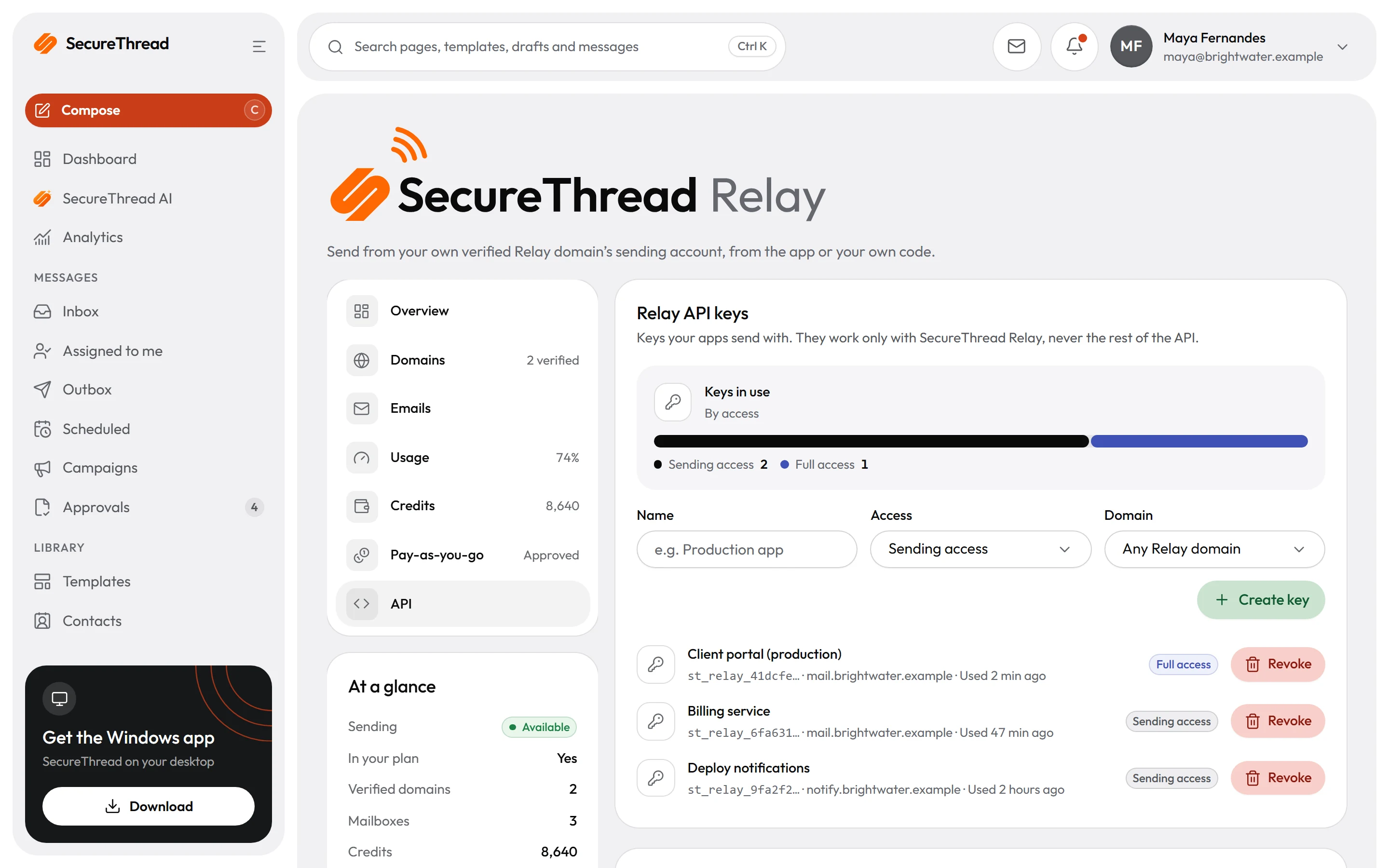
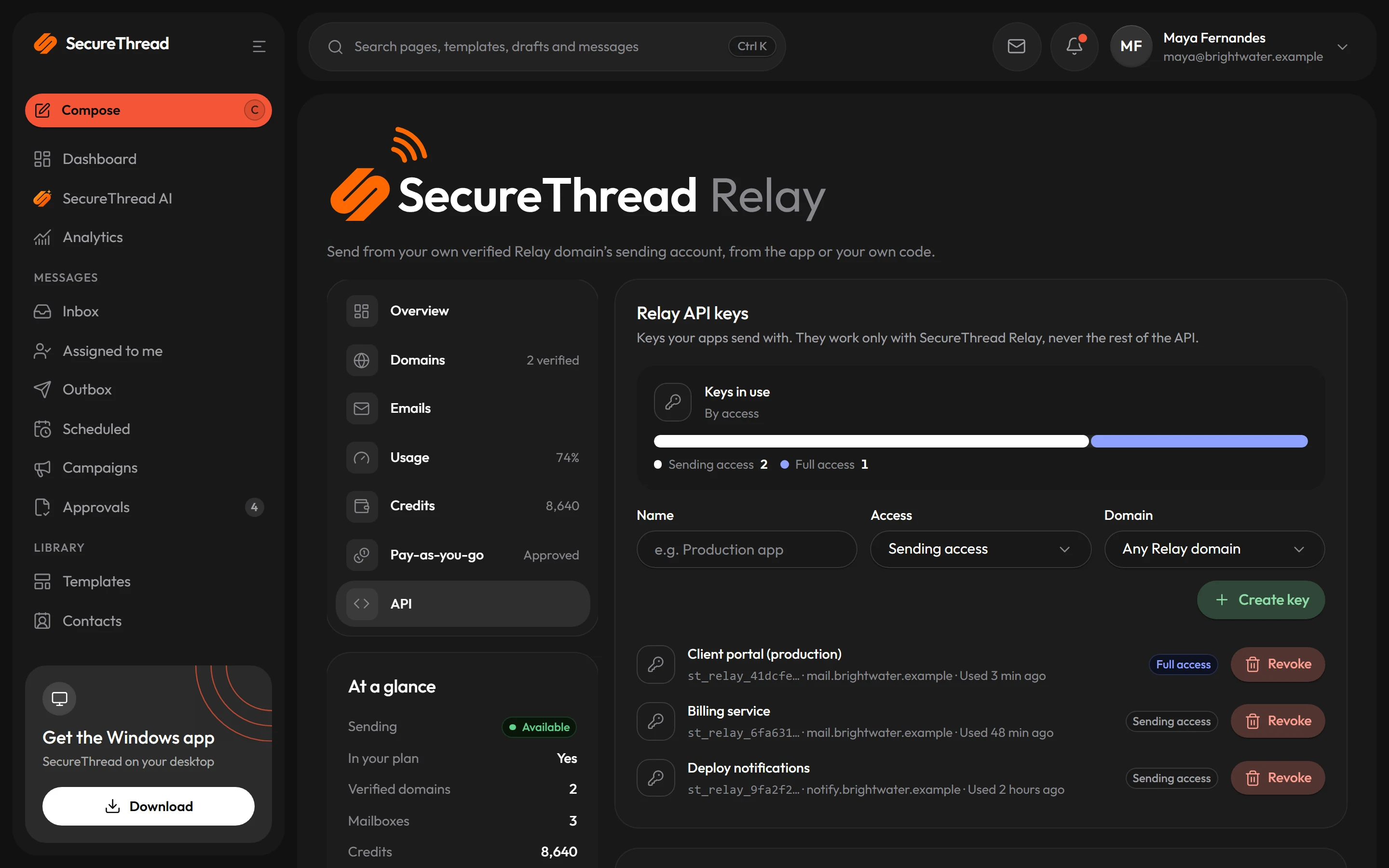
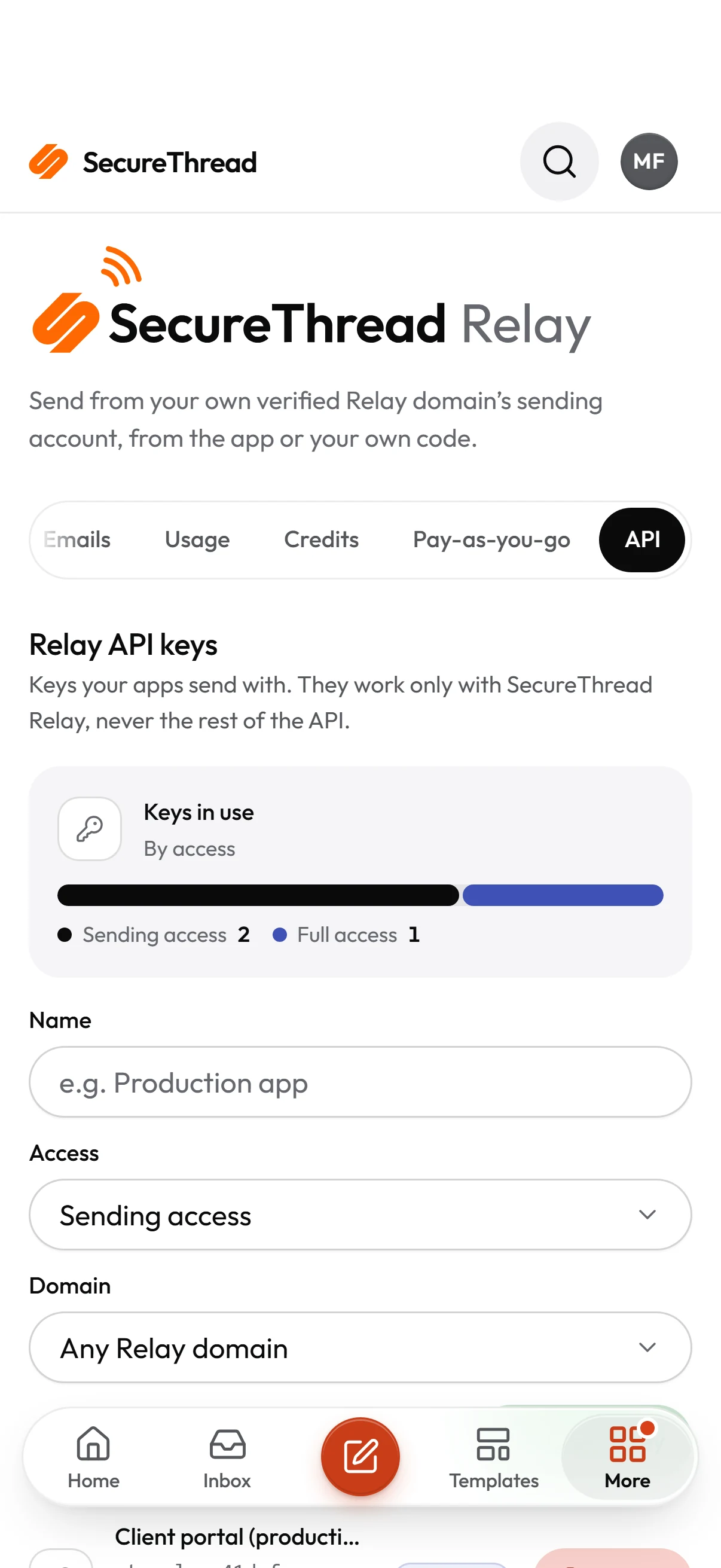
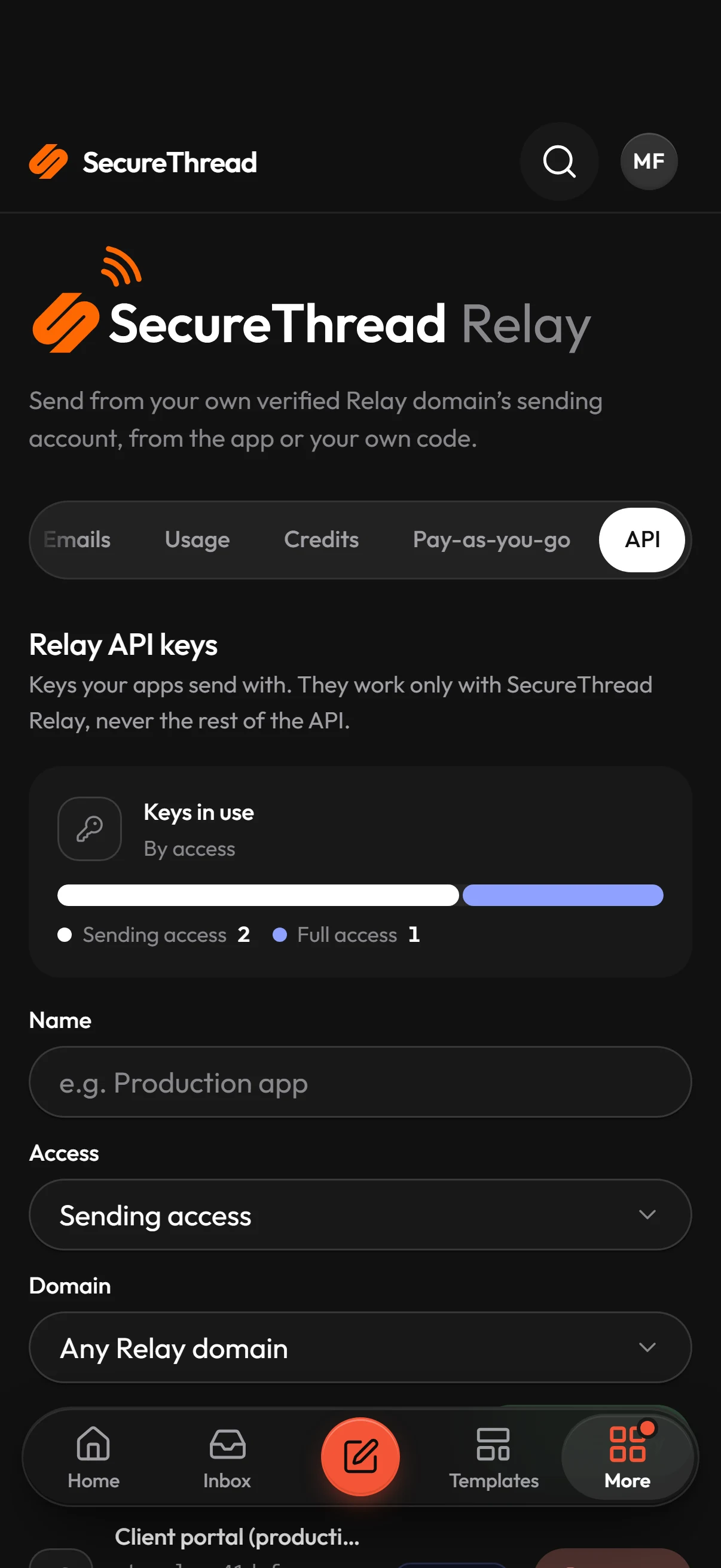
Relay API keys
Made on the Relay page, shown once. Sending access, or full access that also reads status. Optionally held to one domain and to address ranges.
Safe to retry
Send an Idempotency-Key and a retry returns the first answer instead of sending again. Keys are remembered for 24 hours.
Every app check applies
Approvals, the content policy, the sandbox and your plan’s limits apply exactly as they do to mail written in the app.
Accepted, honestly
201 QUEUED means SecureThread has the message to send; Accepted later means Amazon SES took it. Neither means it reached anyone, and the API never says so.
Try it
Your HTML, from your domain
One request sends your own HTML from any address on a domain verified for Relay. Pick your language; the Relay page in the app shows the same with your own From address.
curl -X POST https://relay.securethread.co/api/v1/public/emails \ -H "Authorization: Bearer $SECURETHREAD_RELAY_KEY" \ -H "Content-Type: application/json" \ -H "Idempotency-Key: order-1042-receipt" \ -d '{ "from": "Billing <[email protected]>", "to": ["[email protected]"], "subject": "Your receipt for order 1042", "html": "<p>Thanks for your order, Alex.</p>" }'01
Before you start
Relay is set up by a workspace administrator (anyone with Manage settings) on the SecureThread Relay page, under Administration. Your plan must include SecureThread Relay.
- Verify the domain under Administration › Sending domains first: ownership, SPF, DKIM and DMARC.
- On the Relay page, add the domain. SecureThread asks Amazon SES for an identity with Easy DKIM (2048-bit) and lists three CNAME records: <token>._domainkey.<domain> pointing to <token>.dkim.amazonses.com.
- Publish the three records at your DNS host. Relay checks a waiting domain automatically for a week; Check again asks Amazon SES at once.
- Create at least one mailbox on the verified domain, such as billing@ or hello@. A Relay mailbox stores no password or token.
- Under API, create a Relay API key and store it as a secret, such as SECURETHREAD_RELAY_KEY. It is shown once.
02
Send an email
One POST with the key as a bearer token. The From address can be any address on a domain verified for Relay, as long as the key’s owner may send from at least one mailbox on it. SecureThread sends through the mailbox with the same address, or else the domain’s oldest mailbox.
curl -X POST https://relay.securethread.co/api/v1/public/emails \ -H "Authorization: Bearer $SECURETHREAD_RELAY_KEY" \ -H "Content-Type: application/json" \ -H "Idempotency-Key: order-1042-receipt" \ -d '{ "from": "Billing <[email protected]>", "to": ["[email protected]"], "subject": "Your receipt for order 1042", "html": "<p>Thanks for your order, Alex.</p>" }'03
Request fields
A JSON body. Unknown fields are refused with 400, so a typo never sends something you did not mean.
from
Required
Notes
to
Required
Notes
cc
Required
Notes
bcc
Required
Notes
replyTo
Required
Notes
subject
Required
Notes
html
Required
Notes
text
Required
Notes
04
From Node.js
The same send with fetch, in any Node.js 18 or later backend. Keep the key in an environment variable, never in code a browser receives.
const response = await fetch('https://relay.securethread.co/api/v1/public/emails', { method: 'POST', headers: { Authorization: `Bearer ${process.env.SECURETHREAD_RELAY_KEY}`, 'Content-Type': 'application/json', 'Idempotency-Key': `receipt-${order.id}`, }, body: JSON.stringify({ from: 'Billing <[email protected]>', to: [order.email], subject: `Your receipt for order ${order.number}`, html: renderReceipt(order), }),}) if (response.status === 429) { // Wait the seconds in Retry-After, then send again with the same Idempotency-Key.}const result = await response.json()// 201: { messageId, status: 'QUEUED' } · 202: { status: 'PENDING_APPROVAL', approvalRequestId }05
From Python
The same send with requests.
import osimport requests response = requests.post( "https://relay.securethread.co/api/v1/public/emails", headers={ "Authorization": f"Bearer {os.environ['SECURETHREAD_RELAY_KEY']}", "Idempotency-Key": f"receipt-{order.id}", }, json={ "from": "Billing <[email protected]>", "to": [order.email], "subject": f"Your receipt for order {order.number}", "html": render_receipt(order), }, timeout=30,)response.raise_for_status()print(response.json())06
Answers
Errors use one body shape: { "error": { "code", "message", "details" }, "requestId", "timestamp" }. Keep the requestId when you contact support.
201
Code
What it means
202
Code
What it means
400
Code
What it means
401
Code
What it means
402
Code
What it means
403
Code
What it means
409
Code
What it means
409
Code
What it means
422
Code
What it means
422
Code
What it means
429
Code
What it means
07
Follow a message
With a full-access key, read the status of a message the key’s owner sent. Another person’s message, or one in another workspace, answers 404.
- ACCEPTED means Amazon SES took responsibility for the message. It is not proof that it reached anyone.
- FAILED carries failureReason in plain words.
{ "id": "0192f0a0-0000-7000-8000-0000000000dd", "status": "ACCEPTED", "createdAt": "2026-10-29T09:31:02.000Z", "acceptedAt": "2026-10-29T09:31:05.000Z", "recipientCount": 1, "to": [{ "email": "[email protected]", "name": "Alex Example" }], "cc": [], "bcc": [], "failureReason": null}08
Idempotency
Send one unique Idempotency-Key per message: 8 to 128 visible ASCII characters, such as an order id or a UUID.
- A retry with the same key and the same request returns the first answer, with Idempotent-Replayed: true. Nothing is sent twice.
- The same key with a different request is refused with 422 IDEMPOTENCY_KEY_REUSED.
- A retry while the first call is still being handled answers 409 IDEMPOTENCY_IN_PROGRESS with Retry-After.
- Keys are remembered for 24 hours, per API key. Without the header a retry sends again.
09
Relay API keys
Relay keys are a separate kind of key from SecureThread’s API keys, made only on the Relay page.
- A Relay key is refused on every other route, and a workspace key is refused on the Relay endpoint.
- Never ship a key to a browser or mobile app. Send from your backend.
Sending access
What it does
Full access
What it does
Domain
What it does
Address ranges
What it does
Expiry
What it does
10
Limits and billing
Calls are counted per key over a rolling five-minute window; a call over a budget answers 429 RATE_LIMITED with Retry-After. A send also counts against its owner’s own send budget, shared with the web app.
- Each plan with Relay allows recipients over a rolling 30 days, and a number of Relay domains.
- Past the allowance, prepaid credits are spent first, one per recipient.
- Then pay-as-you-go, once SecureThread approved it and the workspace switched it on, up to its cap for the billing period.
- A send nothing covers is refused whole with 402. Part of a message is never sent.
- Not supported yet: attachments, custom headers, tags, scheduled sends and batches.
FAQ
Questions, answered
Which URL do I send to?
https://relay.securethread.co/api/v1/public/emails. The Relay page in the app shows your workspace’s endpoint with examples that use your own From address.
Can I send from any address on my domain?
Yes, any address on a domain verified for Relay, as long as the key’s owner may send from at least one mailbox on that domain. A key limited to one domain sends only from addresses on it.
Does a 201 mean the email arrived?
No. 201 means SecureThread queued it. Later, ACCEPTED means Amazon SES took responsibility for it. Neither is proof it reached anyone.
What if my server retries after a timeout?
Send the same Idempotency-Key. The retry returns the first answer and the message is sent once.
Can I call Relay from a browser?
No. A key in a browser can be copied by anyone who opens the page. Call Relay from your backend, and limit the key to your servers’ address ranges.
Build on SecureThread
Create a workspace key, send from a published template, and get signed events back. Every API send passes the same checks and approvals as one from the app.